Why Free SEO Tools Are Essential for Small Business Growth
The best free seo tools for small businesses can transform your online visibility without breaking your budget. Small businesses need powerful SEO results but often lack the budget for expensive enterprise tools. Fortunately, a comprehensive suite of free tools can compete with many paid alternatives.
SEO tools are online platforms or software that help businesses optimize content for search engines like Google and Bing. These tools help you identify keywords, improve website performance, analyze competitors, and track your progress—all crucial elements for attracting customers through organic search.
Free SEO tools deliver proven results. Businesses using them have seen dramatic improvements, including significant revenue increases, boosts in organic search traffic, and growth in lead generation.
As Alexander Palmiere, founder of Refresh Digital Strategy, I've helped launch over 200 websites and consistently see how the best free seo tools for small businesses form the foundation of successful digital growth strategies. Through strategic implementation of these tools, we've boosted client website traffic and engagement while establishing strong digital footprints for numerous businesses.
The Must-Have Foundation: Google's Free SEO Suite
Google's free SEO tools are so powerful that many successful businesses never need to upgrade. When we talk about the best free seo tools for small businesses, Google's suite consistently tops every list for good reason. These tools aren't just free alternatives; they offer enterprise-level insights directly from the source.
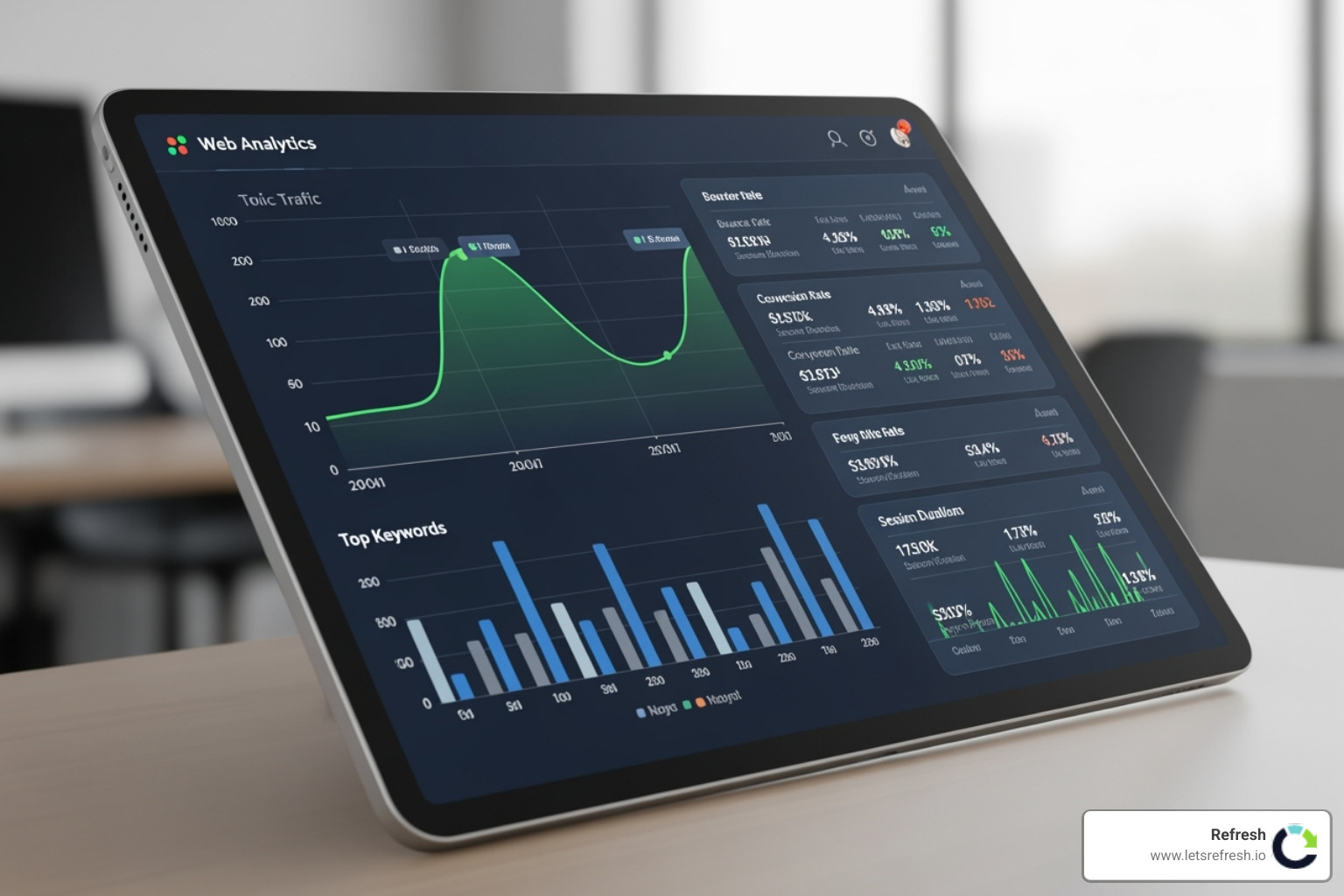
What makes Google's tools special is their accuracy and direct connection to the source. They show you exactly what Google knows about your site, revealing how users find and interact with your content. This allows you to make data-driven decisions and build a solid foundation for your online strategy. If you're curious about how this fits into your bigger picture, our guide on Digital Strategy Consulting and SEO breaks it down.
Google Search Console
Google Search Console tells you exactly how your website appears in search results, which pages are performing well, and what technical issues might be holding you back. You can track performance by seeing which keywords bring visitors to your site and how often people click your listings. The index coverage reports show which pages Google has indexed and flag any problems, preventing great content from going unfound.
With insights into mobile usability and Core Web Vitals, you can ensure your site works perfectly on every device and provides a fast, smooth user experience. The clicks and impressions data reveals your true search visibility, helping you optimize titles and descriptions for better engagement. Access this goldmine of information at Google Search Console.
Google Analytics
Google Analytics reveals what happens after a user finds your website. It helps you understand audience behavior, including demographics, interests, and the devices they use. This knowledge allows you to create content that resonates with your actual customers. Traffic sources data shows which marketing efforts are working, whether it's Google search, social media, or email campaigns.
Conversion tracking turns your website into a measurable business tool by showing which pages and traffic sources drive valuable actions like form submissions or purchases. User engagement metrics like bounce rate and session duration reveal if your content is compelling. By understanding user journeys, you can optimize the path from first visit to customer. Start exploring your data at Google Analytics.
Google Business Profile
For businesses with physical locations or local service areas, Google Business Profile is essential. It's your control center for appearing in "near me" searches and the local map pack. Local SEO success often hinges on a well-optimized profile. You can manage customer reviews, which boosts your credibility and local rankings.
A strong profile improves your map rankings, making it easy for customers to find your location and hours. It also ensures business information consistency across all Google properties, building trust with both Google and customers. We explain its power in our guide on Why Google My Business is Essential for Your Company's Growth. Manage your listing at Google Business Profile.
Google Keyword Planner
Originally designed for advertisers, Google Keyword Planner provides invaluable insights for SEO. Keyword research is simplified with actual search volume data directly from Google. The tool suggests related keywords you might not have considered. Search volume estimates help you prioritize which terms to target first.
Competition analysis provides a reality check on which keywords are achievable, offering useful insights into SEO difficulty. Even if you don't run ads, the ad campaign planning features help you focus on terms that drive business results. You'll need a Google Ads account to access it, but you don't need to run any ads. For more on using keywords, see our guide on The Role of Keywords in SEO and How to Use Them Effectively. Start your research at Google Keyword Planner.
A Curated List of the Best Free SEO Tools for Small Businesses
While Google's suite provides the bedrock, a comprehensive SEO strategy benefits from specialized third-party tools. These tools fill specific niches, offering deeper insights into keyword research, technical audits, backlink analysis, and competitor strategies.

The best free seo tools for small businesses don't always have unlimited features, but their free tiers offer immense value for identifying critical issues or automating basic tasks. For a broader perspective, read our article on Best SEO Tools for Small Businesses.
Best Free SEO Tools for Keyword Research & Content Ideation
Understanding what your audience searches for is the first step to creating resonant content. These tools help uncover user intent and find valuable keywords. This strategic approach is vital, as we explain in What is Content Marketing and Why is it Important for Small Businesses.
- Google Keyword Planner: A powerhouse for keyword finding and volume estimates.
- Google Trends: Explores search term popularity over time, helping identify seasonal trends and regional interest to ensure your content is timely. Explore trends at Google Trends.
- AnswerThePublic: Visualizes questions related to a keyword from autocomplete data. It's incredibly helpful for understanding user intent and finding long-tail keywords. The free version allows a few daily searches.
- Keyword Tool: Offers long-tail keyword suggestions from Google, Bing, YouTube, and Amazon. It's completely free and requires no account, making it great for growing businesses.
- Ubersuggest (Free Limited Features): Provides keyword ideas, content ideas, and traffic estimation. The free version offers a limited number of daily searches to analyze keywords and competitor pages.
Best Free SEO Tools for Technical Website Audits
Technical SEO ensures search engines can crawl, index, and understand your site. These tools help perform health checks, find broken links, and optimize page speed. Our Refresh's Technical SEO Audit Checklist guides our process.

- Google Search Console: Fundamental for flagging critical technical issues directly from Google.
- Google PageSpeed Insights: Analyzes site loading performance and provides actionable recommendations to improve Core Web Vitals. Optimize your site speed at Google PageSpeed Insights.
- Screaming Frog SEO Spider (Free Version): A desktop program that crawls up to 500 URLs for free to find broken links, duplicate content, and audit redirects. It's an extremely valuable tool for quickly detecting website errors.
- Ahrefs Webmaster Tools (AWT): Gives free access to Ahrefs' Site Audit tool for verified websites. It scans for over 170 common technical and on-page SEO issues and provides actionable advice.
- SEOptimer: Specializes in diagnosing SEO performance issues. Its free audit provides a comprehensive report on various SEO aspects and includes native tools like code minifiers and sitemap generators.
Free Tools for Backlink & Competitor Analysis
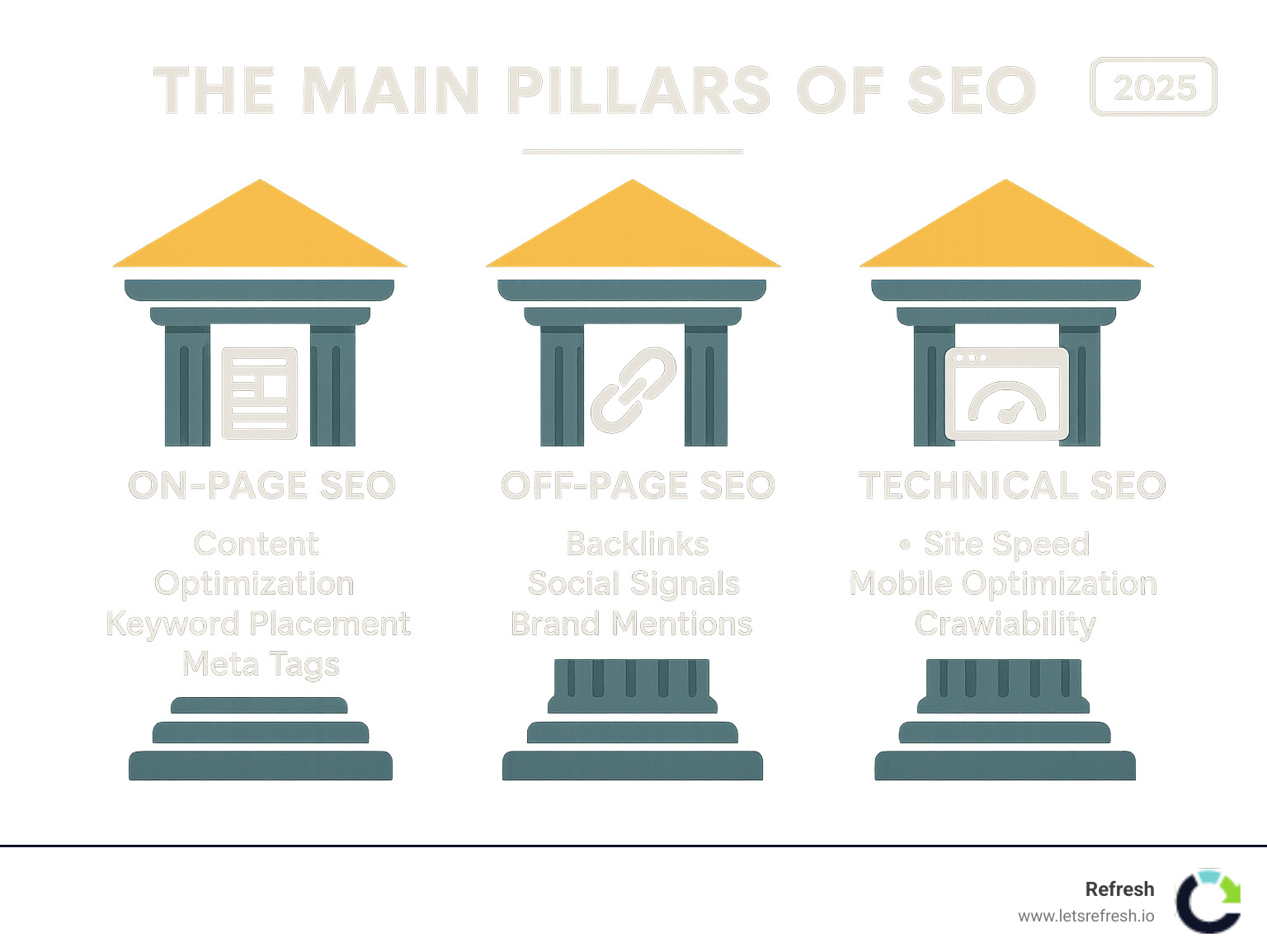
Backlinks are a crucial ranking factor. Analyzing backlink profiles and competitor strategies helps identify link-building opportunities.
- Google Search (site: operator): Use
site:yourdomain.comto see which pages Google has indexed. You can also use search queries to see who links to your content or competitors. - Ahrefs Backlink Checker (Free Version): Analyzes any domain's backlink profile, showing domain authority and the 100 most recent backlinks. It's great for identifying linking opportunities by seeing who links to competitors.
- Semrush (Free Limited Features): The free tier allows 10 daily searches to get a snapshot of a competitor's organic keywords, traffic, and some backlink data.
- Ubersuggest (Free Limited Features): Its backlink tool helps find competitor backlinks and opportunities to inform your outreach strategy.
- Small SEO Tools (Backlink Checker): Offers a variety of free tools, including a backlink checker for a basic overview of a site's backlink profile.
For more strategies on building authority, explore our insights on Digital PR and SEO.
Free Tools for Local SEO
Local SEO is paramount for businesses serving a specific geographic area, helping them appear in "near me" searches.
- Google Business Profile: The absolute core of local SEO for managing business information, responding to reviews, and optimizing your Google Maps presence.
- BrightLocal (Free Tools): Offers a local search results checker, a free Google Business Profile audit, and a local SEO health check to evaluate location-specific efforts.
- Moz Local Listing Score (Free): Checks the accuracy and consistency of your business information across online directories, which is key for local rankings.
- SE Ranking (Trial/Limited Free): Offers free trials to track your position in the local map pack and manage reviews. Nightwatch is another option for tracking local search positions.
For a comprehensive guide, check out our Local SEO Digital Growth Strategy.
Essential Free WordPress SEO Plugins
For WordPress sites, certain plugins can significantly improve your SEO without deep coding knowledge.
- WordPress Built-in Features: Modern WordPress has strong native SEO capabilities, including automatic XML sitemaps and canonical URLs.
- Yoast SEO (Free Version): A popular plugin offering on-page optimization guidance, meta description optimization, and XML sitemaps directly in the WordPress editor.
- Rank Math (Free Version): A powerful alternative to Yoast, offering a wider range of free tools like schema markup generation, redirect management, and internal linking suggestions.
These plugins simplify on-page SEO tasks. We dig into these topics in our guide on On-Page SEO Search Engine Optimization.
Understanding the Limits: When to Consider Paid SEO Software
While the best free seo tools for small businesses offer incredible value, there comes a moment when you might hit a wall. As your business grows, you may find yourself bumping against their limitations.

Data limitations are often the first hurdle. Free versions typically give you just a taste—the top 100 backlinks or limited daily keyword searches. It's like trying to see the whole picture through a keyhole.
Feature restrictions can also become frustrating. Advanced capabilities like comprehensive competitor analysis, large-scale site audits, and automated reporting are usually locked behind paid tiers.
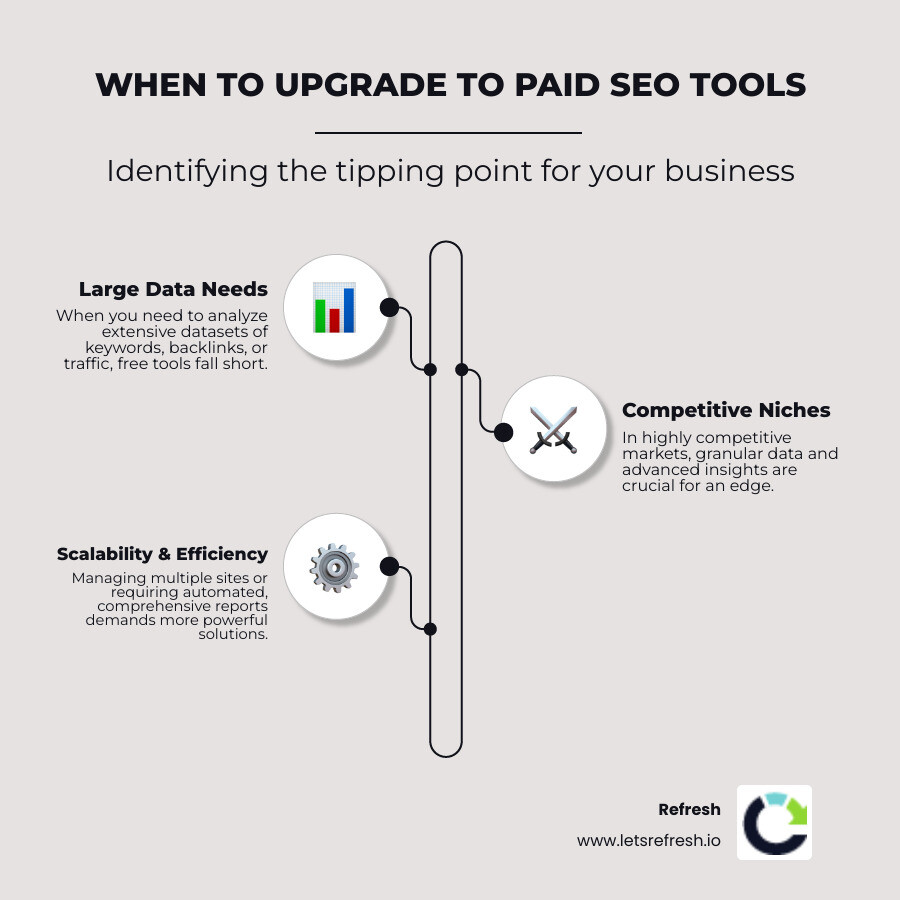
Scalability becomes an issue when managing multiple or large websites. The time saved by automated tools becomes appealing when you're doing repetitive tasks manually.
The return on investment is crucial. When the time you spend working around free tool limitations costs more than a paid subscription, that's your tipping point. This often happens when you need to analyze large datasets, require automated reporting, or compete in highly competitive niches.
Here's how free and paid tools typically compare:
| Feature | Free Tools | Paid Tools |
|---|---|---|
| Keyword Research | Basic suggestions, limited volume data | In-depth databases, difficulty scores, intent analysis |
| Site Audits | Basic checks, limited URL crawls | Comprehensive crawl, 170+ issue checks, detailed reports |
| Backlink Analysis | Top 100-1000 backlinks, basic metrics | Full backlink profile, anchor text analysis, link tracking |
| Competitor Analysis | Snapshot of top keywords/traffic | Full competitor strategy, keyword gaps, traffic estimates |
| Rank Tracking | Manual checks, limited tracking | Automated daily tracking, local/global positioning |
| Reporting | Manual exports, basic summaries | Automated, customizable, white-label reports |
Many premium tools offer free trials, letting you experience their full capabilities before committing. For most small businesses, free tools provide excellent value. The key is recognizing when investing in paid tools will accelerate your growth. When you reach that stage, consider consulting with Refresh for custom SEO solutions. Explore more insights in our guide on Best SEO Software for Small Business.
Frequently Asked Questions about Free SEO Tools
Here are answers to the most common questions we get from small business owners about SEO.
How do free SEO tools help improve search rankings?
Free SEO tools act as your website's health monitor. They provide data on how your site performs in search results, identify technical errors like broken links or slow pages, and help you uncover keywords your customers are actually searching for. By allowing you to analyze competitors and inform your content strategy, they help you create content that resonates with your audience and improves the overall user experience.
Can I rely solely on free SEO tools for my business?
Yes, especially when you're starting out. The best free seo tools for small businesses, particularly Google's suite, are incredibly powerful and sufficient for managing a single website. They provide everything you need to understand your audience, track performance, and identify areas for improvement.
These tools teach you the fundamentals of SEO without overwhelming you. As your business grows, you may eventually require paid tools for greater efficiency and scale, but many successful businesses run entirely on free tools for years.
Which free tool is best for a complete beginner?
Google Search Console is the non-negotiable starting point for anyone serious about SEO. It's like having a direct line to Google, providing real data on how the search engine sees your website. You'll find which search terms bring people to your site, see how often your pages appear in search, and, most importantly, identify any critical issues holding your site back.
The interface is user-friendly, and it provides guidance on how to fix problems, making it an excellent learning tool. Once you've mastered Search Console, you can add Google Analytics to understand visitor behavior and Google Business Profile for local SEO.
Conclusion: Building Your Free SEO Toolkit
The best free seo tools for small businesses we've explored are powerful resources that can transform your online presence without a large budget. Start with Google's suite as your foundation: Search Console for diagnostics, Analytics for audience insights, Business Profile for local dominance, and Keyword Planner for research.
Supplement these with specialized third-party tools as needed. AnswerThePublic can help you understand customer questions, while Screaming Frog and Ahrefs' free tools can assist with technical audits and backlink analysis.
A strategic approach is key. Start with Google Search Console and add tools as you identify specific needs. The real magic happens with tool integration, where data from one tool informs your actions with another. SEO requires continuous learning, and the data from these tools helps you adapt to changes and spot trends.
Tools support your strategy; they don't replace it. The fundamentals remain the same: create helpful content, ensure your site is fast and mobile-friendly, and build authentic relationships. At Refresh, we've seen countless businesses achieve remarkable growth using these exact tools. When you're ready to scale, we're here to help with custom SEO solutions.
Explore more SEO strategies and insights on our blog to continue building your expertise.


.avif)